Changelog
Follow up on the latest improvements and updates.
RSS
NEW: Sign in as a user
As an admin with access rights, connect to one of your fellow users'/employees' profiles to change bookings and correct entries.
NEW: BambooHR Integration (1:40)
Are you using BambooHR? Contact us so we can assist you in connecting your HRIS to Pult.
improved
Product Update 03.02.2023
Insight "team filter"
Filter your office insights by teams and check their respective.
Floormap favorite
Locate your favorite colleague directly on the desk booking floor map.
Now you can set up "team days" and block desks for them on a recurring base. 🤩
For example, if your Product-Team meets up in a specific area of the office every Tuesday and Thursday, you should give them priority booking rights for those desks. Here's how:
- Go to "offices" and click on "edit" for one of your offices.
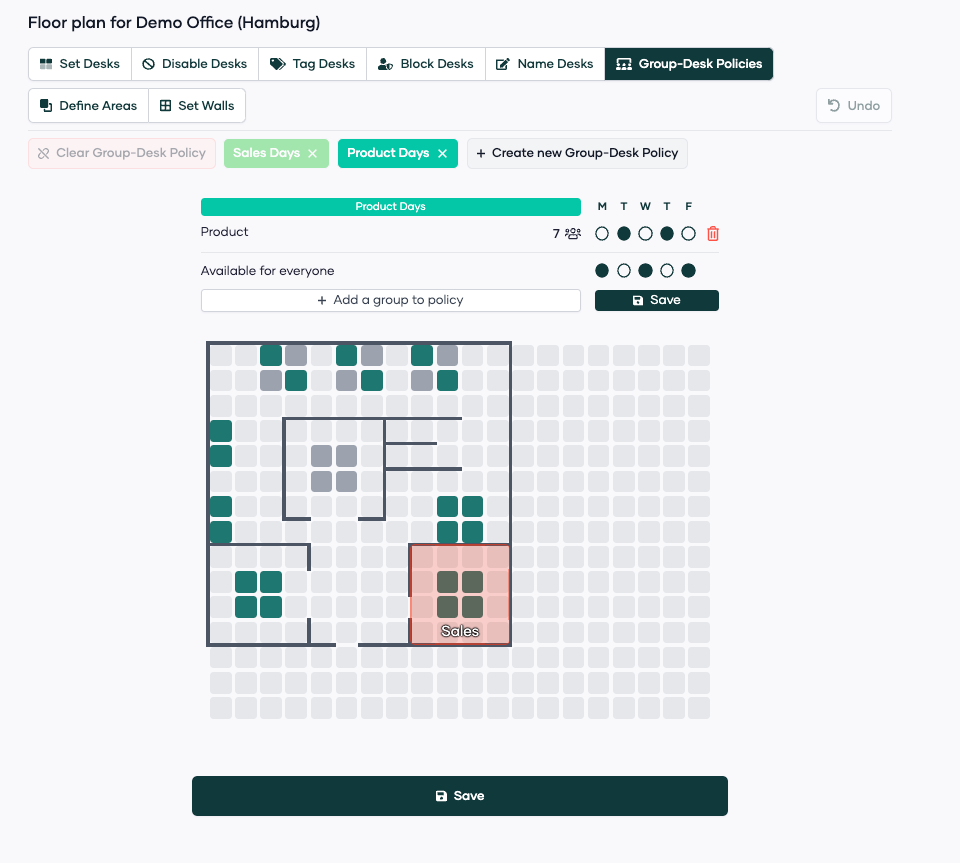
- Click on "Group-Desk-Policies" and click on "create new Group-Desk-Policy".
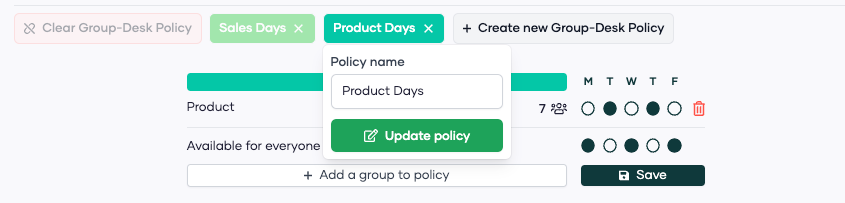
- Rename the policy you want to set up. In our example: "Product Days"
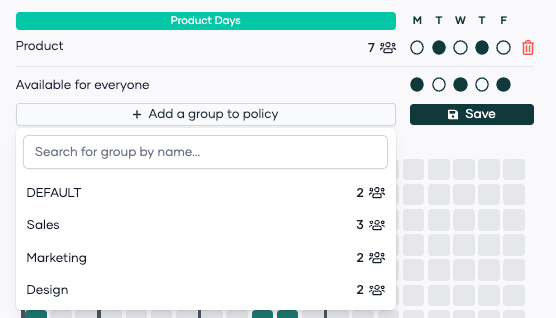
- Now, add the groups (departments) you want to involve in this policy.
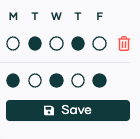
- Click on the days where this group of people should have their team day. In our example: Tuesday and Thursday.
- Finally select the desks that you want to reserve for this group on the days you set up.
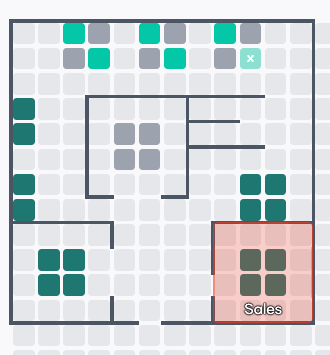
Result: The Product team can now book the upper 6 desks in the office on Tuesday and Thursday.
If you have any questions/feedback - please let us know!
Team Pult ❤️
We've added a new KPI and clarified an old one. Now you can analyze the avg. office attendance per person per week as well as the avg. daily office usage like magic 🪄

We also fixed some additional bugs on the office insights page.
Not every company has employees working on the weekends. This is why we now implemented the option to choose a 5-day or 7-day work week 🎉

In case you want to change it, just go to your "App Settings".
Finally, users can be manually archived! 🎉
By archiving a user, all of their future bookings will be redone. In case they left the company already but pre-booked a desk in the office, this desk will now be free after archiving the user.
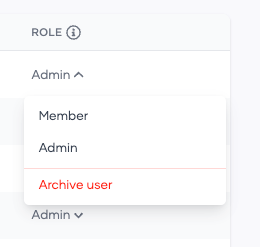
All archived users are visible at the bottom of the "Team" Page. 👇

Archived users can always be reactivated and added back to the team.
improved
fixed
Better UX in Web-App
We pushed out small user-experience improvements and fixed some bugs.
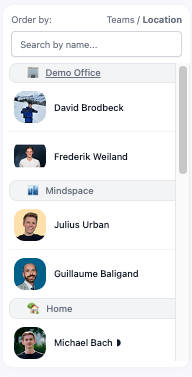
Now you can click on your offices in the team bar and automatically open the right floorplan. We also made the team bar more responsive by highlighting it when hovering over profiles. 🙌
User-Experience was also improved when booking half-days
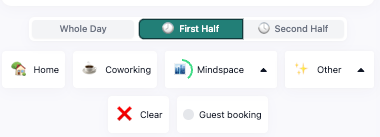
Today we launched more
workplace options
to choose from: "Remote", "Business trip", "Absent" and "Sick" 🎉 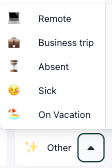
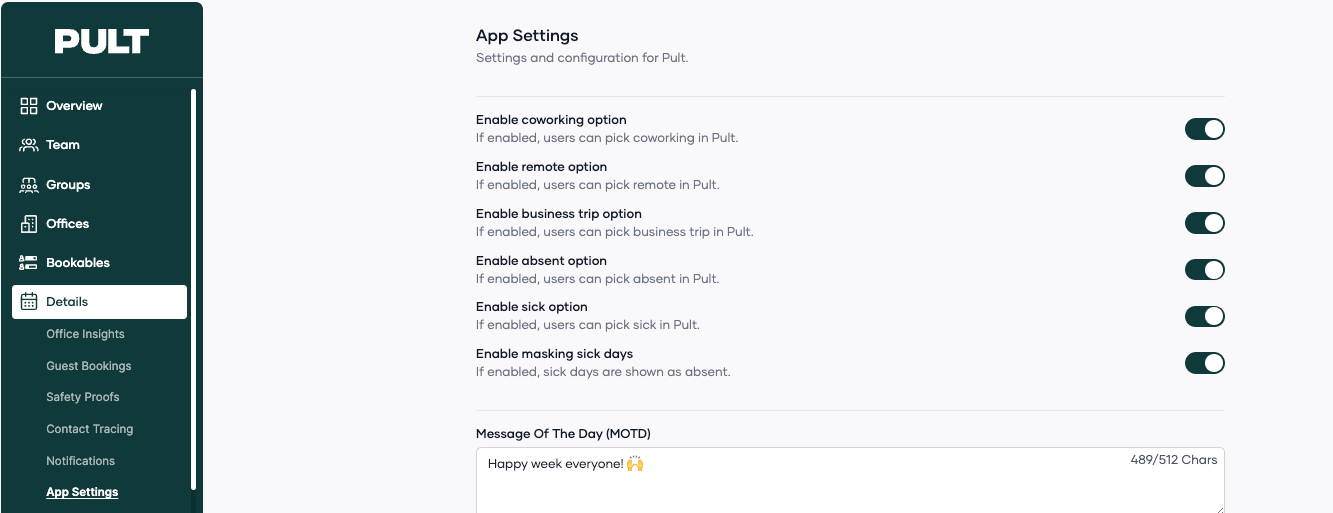
All of them can also be deactivated if not wanted. Go to "App Settings" in your dashboard and choose the options that support you the most.
improved
new
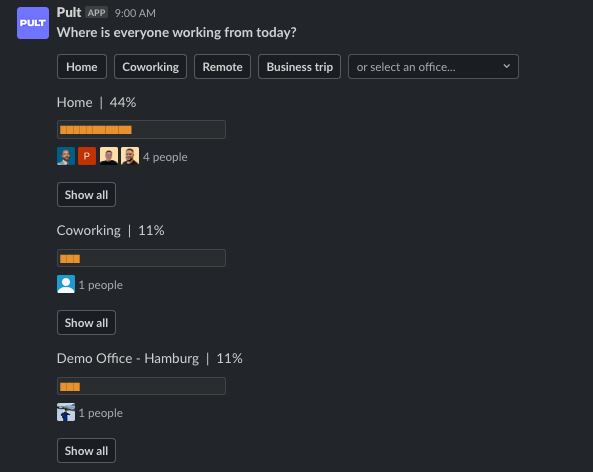
Better Slack Group Polls 🙌
See where everyone is working from, right from your slack channel
Now you can click on
"Show all"
to see everyone (not just 4 little pictures) in their booked workplace for the day.Also, we now only show the locations people have booked 🤓
Load More
→