Now you can set up "team days" and block desks for them on a recurring base. 🤩
For example, if your Product-Team meets up in a specific area of the office every Tuesday and Thursday, you should give them priority booking rights for those desks. Here's how:
- Go to "offices" and click on "edit" for one of your offices.
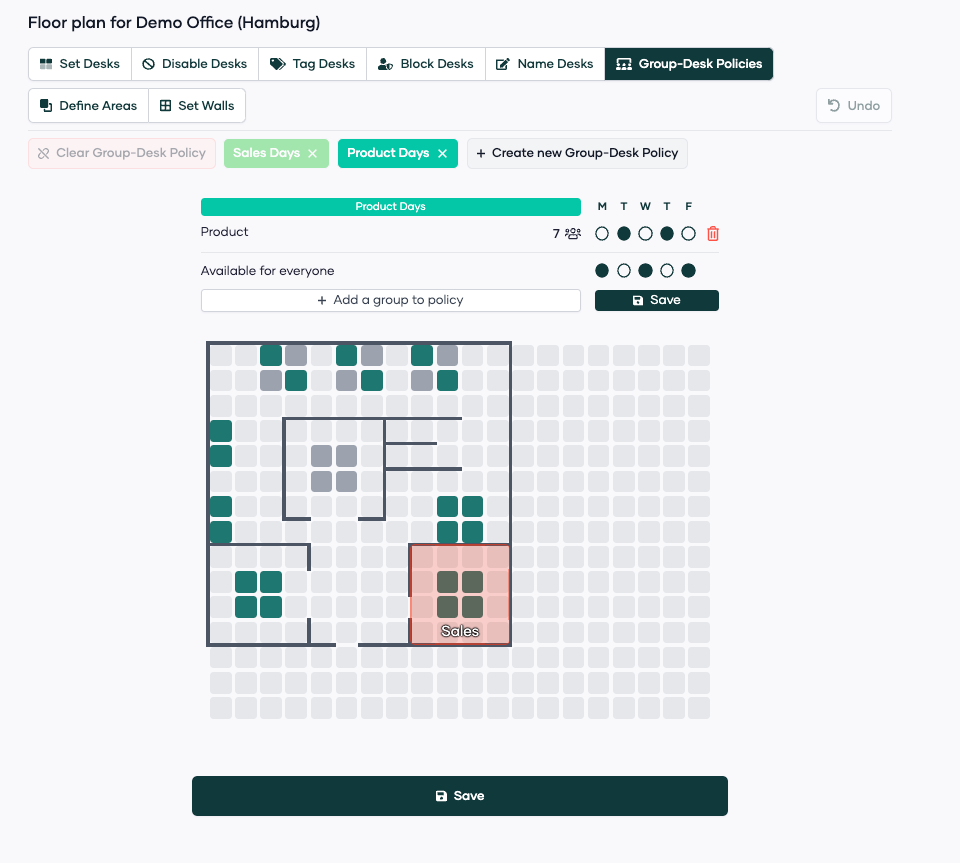
- Click on "Group-Desk-Policies" and click on "create new Group-Desk-Policy".
- Rename the policy you want to set up. In our example: "Product Days"
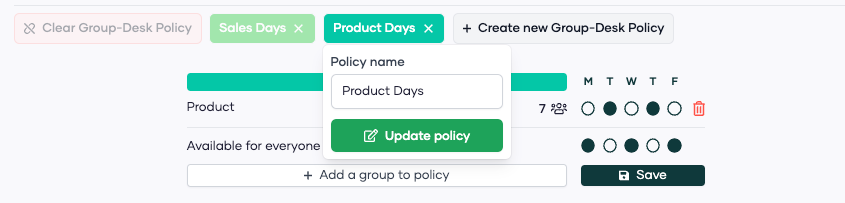
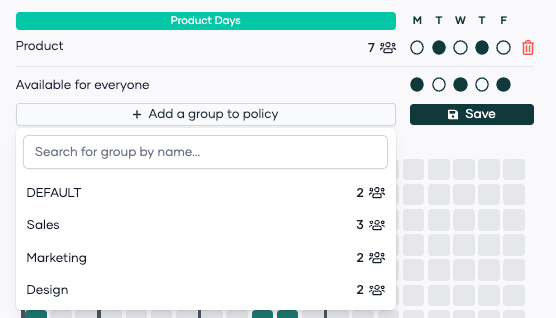
- Now, add the groups (departments) you want to involve in this policy.
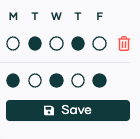
- Click on the days where this group of people should have their team day. In our example: Tuesday and Thursday.
- Finally select the desks that you want to reserve for this group on the days you set up.
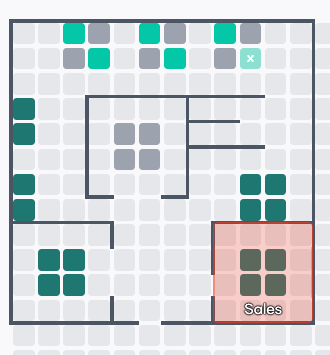
Result: The Product team can now book the upper 6 desks in the office on Tuesday and Thursday.
If you have any questions/feedback - please let us know!
Team Pult ❤️